Fog of war and hidden tokens
In Gatherune the game master paints fog of war scene by scene, and the server withholds what it covers. Tokens, objects, walls and secret doors under fog are never sent to a player's browser, so there is nothing to find by inspecting the page. The map picture itself is sent whole, so keep spoilers out of the image.
Updated
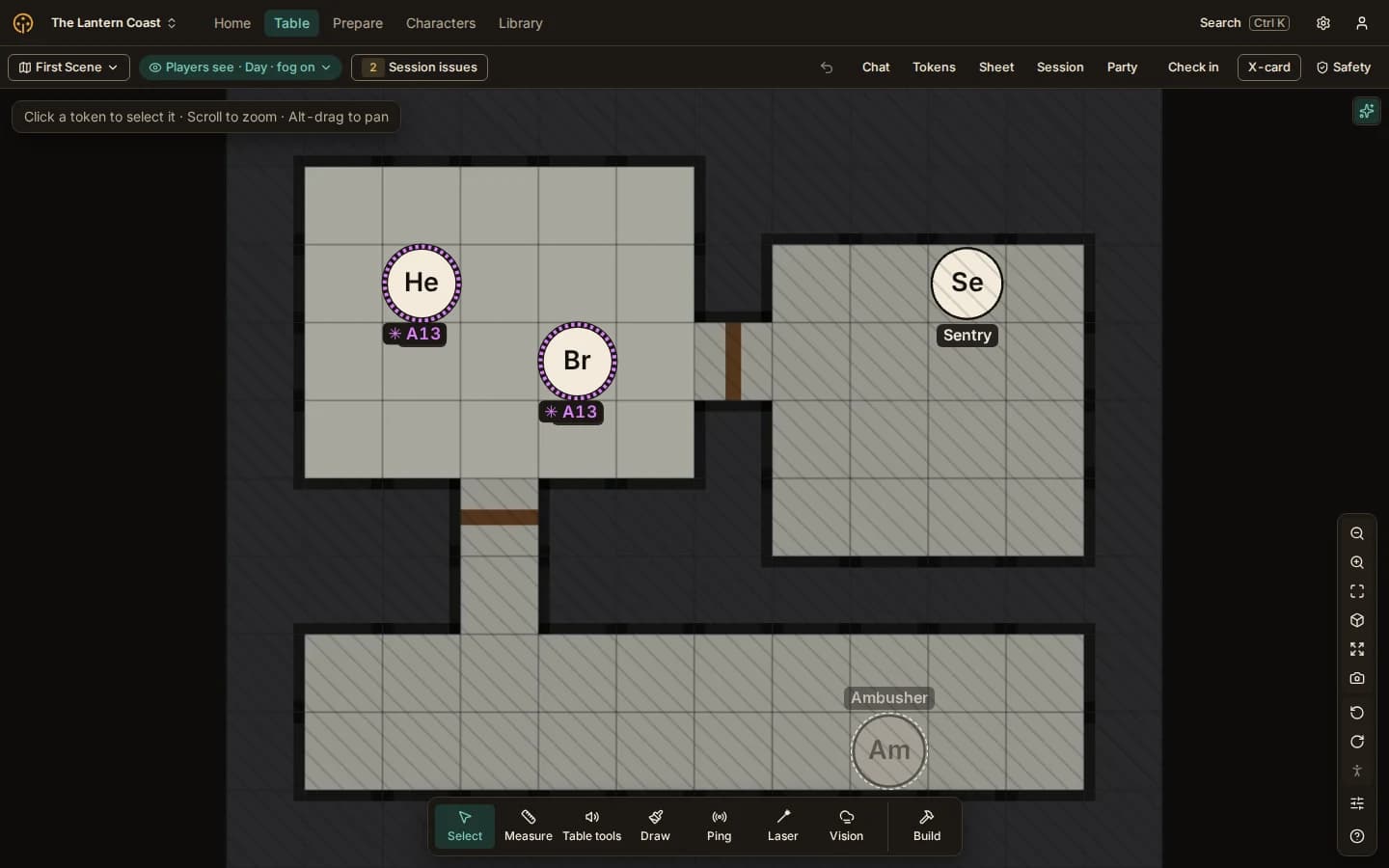
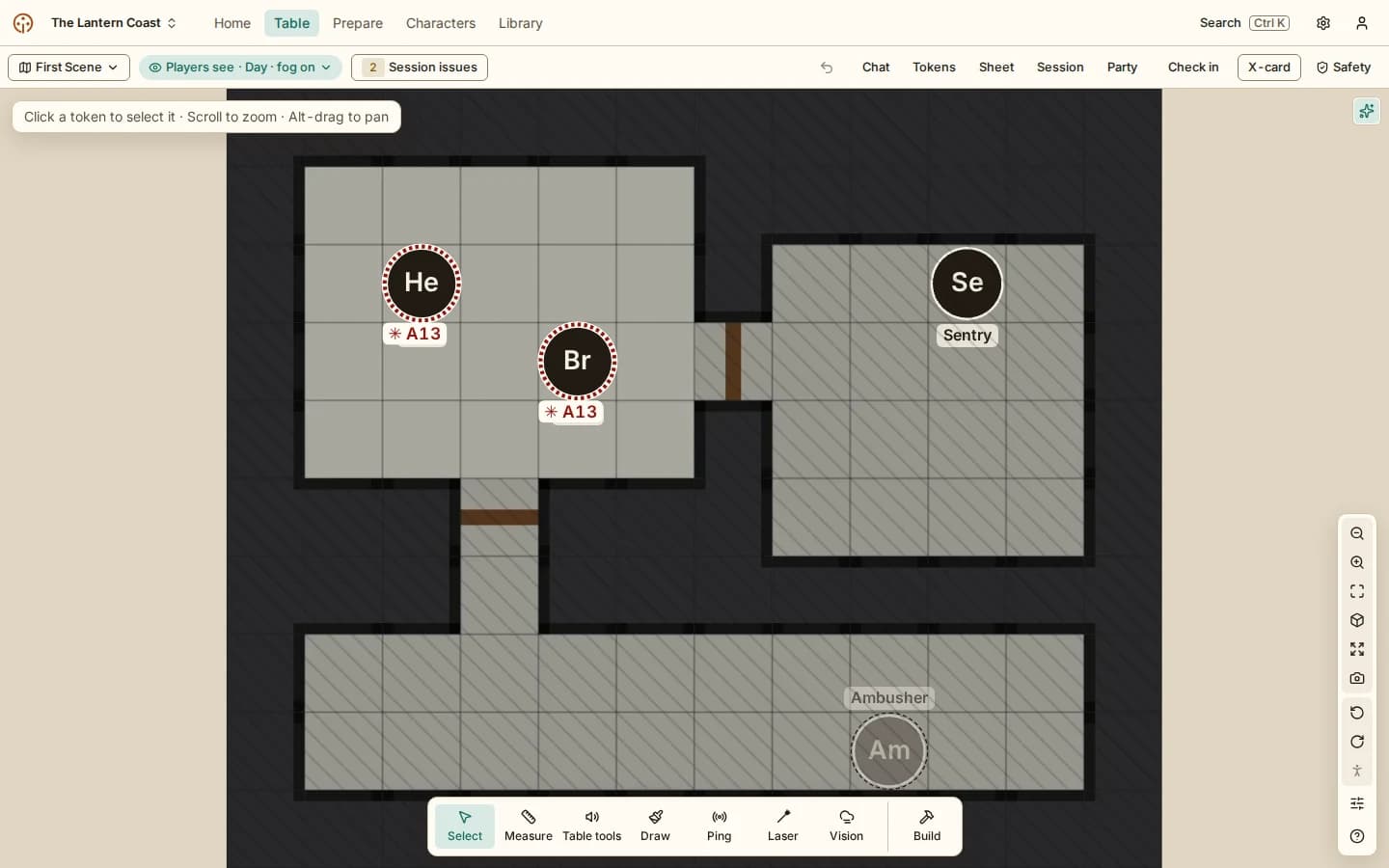
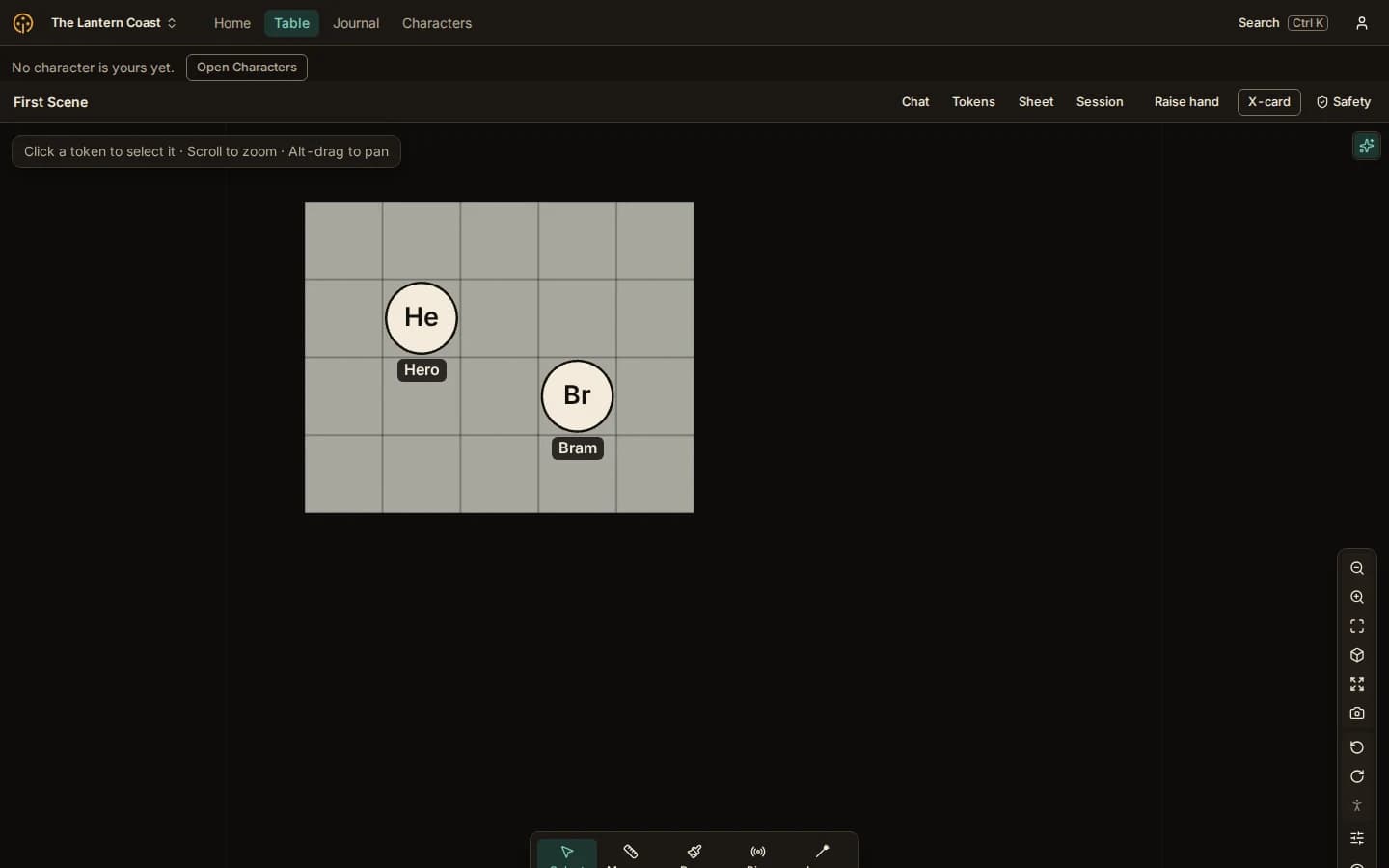
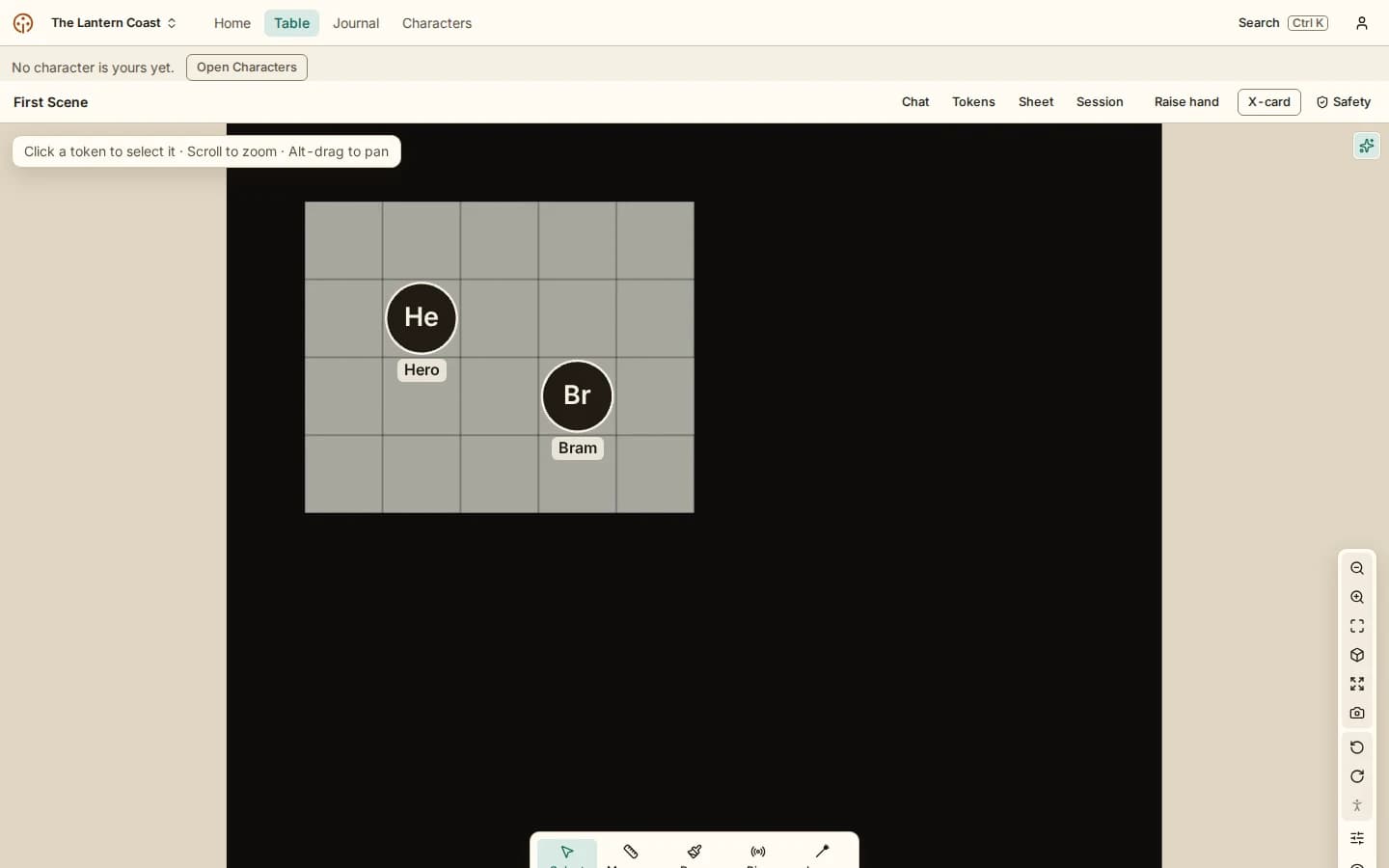
How fog works
Fog is off until the game master turns it on for a scene. Turning it on covers the whole scene, and you reveal from there. Open Fog & weather (press F), switch on Fog of war and use Reveal.
- Reveal or hide with a Rectangle, a Brush or a Polygon.
- Choose Room and click inside a closed room to reveal exactly that room. Walls and closed, locked or secret doors stop the fill.
- Reveal all and Hide all change the whole scene at once.
- Undo and redo step back through the last 50 fog changes of the session.
- Fog is saved with each scene, so it is still there next session. Resizing a scene, or turning fog off and on again, covers everything.
What a player's browser receives
Hiding is done on the server, before anything is sent. A player's browser gets the scene, the pattern of revealed squares, and only the things that player is allowed to know about.
- A token under fog is not sent, unless the player controls it.
- A token the game master has hidden is not sent to anyone but game masters, not even as a count or a placeholder.
- Hidden objects, walls and secret doors are not sent. A player learns about a door only when one of their own tokens stands beside it.
- A Blind roll reaches game masters only. A Private roll reaches the person who made it and the game masters.
- Automated tests read the data sent to a player and fail if any of these appear.
What fog does not hide
Fog hides what is on the map, not the map picture. Once a scene is shown to players, their browsers load the whole image, and a determined player could view the parts under fog. Gatherune says this in the Fog & weather tool as well. If a picture contains a secret, crop it, or draw that part with rooms, tokens and objects, which are withheld.
A measurement or template that someone chooses to share is shown to everyone on the scene, over fog or not.
Hide one token
Select a token and choose Hide from players on its card. The card then reads “Players cannot see this.” When you add a token you can switch on Hidden from players before it ever appears. Revealing fog never exposes a token you have hidden: you show it yourself, when the ambush starts.
Check it as a player
Open the Players see control beside the scene name and choose Check as a player. Pick a player or a spectator, and Gatherune shows a read-only view built from exactly what the server sends that person.
Questions
Can players cheat fog of war by inspecting the page?
Not for tokens, objects, walls, secret doors or game-master-only rolls: those are never sent to a player's browser, so there is nothing to find. The map picture is different. It is sent whole, so art under fog could be viewed by a determined player.
Does fog reveal itself as tokens move?
No. Fog is manual: the game master reveals and hides it. Line of sight is separate. With Token sight switched on, each player sees from their own tokens and walls block their view.
Is fog saved between sessions?
Yes. Fog is stored with each scene and is still there when you come back.
Does fog work on hex grids?
Yes, with the rectangle, brush and polygon. Revealing a whole room with one click needs a square grid.