Encounters and initiative, run from the map
Gatherune's encounters are pages you prepare in advance and run beside the map. One Add to encounter panel brings in creatures, the party, saved rosters and a suggested fight. You choose who fights, who is in reserve and who players can see, ask the party for initiative, and step through turns and rounds.
Updated
Add to encounter
Who fights has one add field. It suggests creatures and characters as you type, and Browse opens one panel with four tabs, so you never hunt for a second place to add someone.
- Creatures: search SRD 5.2 creatures and your own, filter by challenge rating, type and environment, set a count and add. SRD creatures copy into your library when you add them. Write a new creature, import a stat block, or make a three-action creature.
- Party: add characters with their sheet linked, so hit points show.
- Saved rosters: add a whole saved line-up at once. Map positions, models and portraits are not copied.
- Suggest a fight: it opens on Automatic, and Tune it shows shape, filters, waves and saved recipes. The generator proposes a mob, a boss, a mixed roster, a lair or waves for your party, with a difficulty band from Low to Above High. Everything it adds is hidden, and waves wait in reserve.
- The Creatures tab shows how the difficulty band changes before you add. An encounter holds up to 100 combatants.
Who fights, and who can see them
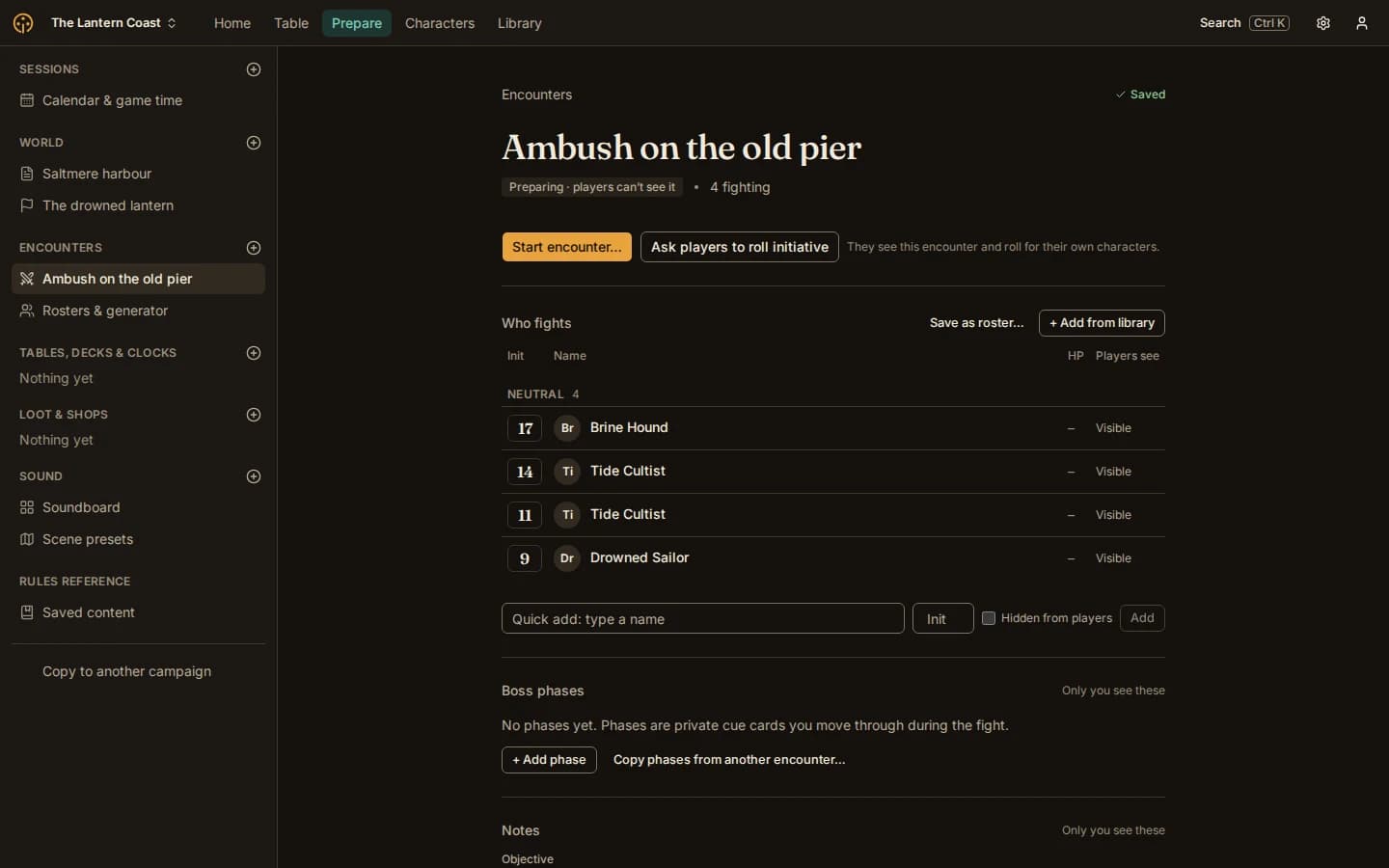
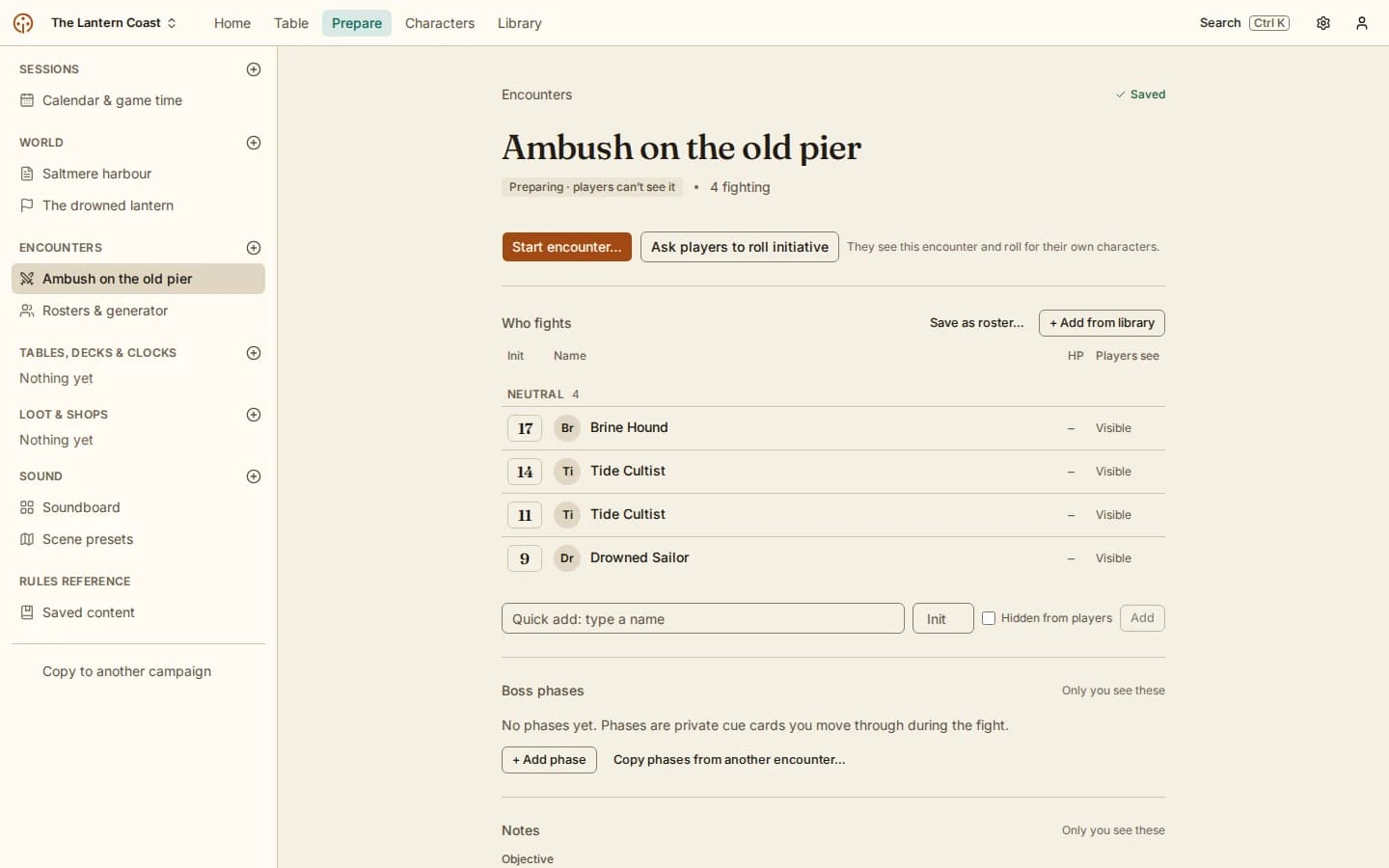
- Who fights is grouped by side: Party, Opponents, Allies and Neutral. Creatures sharing a stat block and initiative group appear as one row, such as Bandit × 3.
- Each row says what Players see: Visible or Hidden. Hidden rows and their tokens stay off players' screens until you reveal them.
- The status line says who can see the encounter: “Preparing · players can’t see it”, “Players can roll initiative”, then the round while it runs.
- Open a row for its combatant panel. It has a Stat block (or Sheet) view, and an In this fight view with side, when it joins, initiative, linked sheet, statuses, and a hidden token placed on a scene.
- Choose whether players see exact hit points or only Healthy, Bloodied or Down.
Waves and reserves
- Add creatures as Reserve, or into a named wave such as Reinforcements. Reserves stay out of the turn order and out of players' view.
- Release wave… reviews who arrives, then brings them in.
Boss phases
- Phases are private cue cards with notes, and an optional round from which each is suggested.
- Rehearse a phase, copy phases from another encounter, and Move to phase when the moment comes. Hit points, turns and the scene stay as they are.
Initiative and turns
- Ask players to roll initiative, and each rolls for their own character. Their rows fill in as they roll.
- Roll for a creature or a group, with advantage, with disadvantage or surprised, and use A modifier… to add one and say why. Roll again rolls it afresh. Or type a number in by hand.
- Ties get a callout where you move combatants earlier or later and Keep this order.
- Start encounter… checks what is missing, offers Roll the rest and start or Start without rolling, and can wait until everyone has rolled and ties are settled.
- Step with Next turn and Previous. Players see “It's your turn”, and a notice when they are next. A combatant the players cannot see is left out of the order they are shown.
Finish
End encounter… opens a review. It lists reserves that never arrived, lets you write what happened (only you see it), and can save the line-up as a roster. Character sheets keep their hit points and conditions.
Questions
Can players see the whole initiative order?
They see the combatants they are allowed to know about. Hidden participants are left out until the game master reveals them.
Do I have to roll initiative in Gatherune?
No. Initiative can be typed in by hand, so you can roll physical dice or use your own method.
Do boss phases change a monster's statistics?
No. Phases are private notes that cue the game master. You change the numbers yourself.
Can I run an encounter without a map?
Yes. An encounter runs without a scene. Placing a hidden token on the map is optional.