The 3D model library: upload, tag and find miniatures
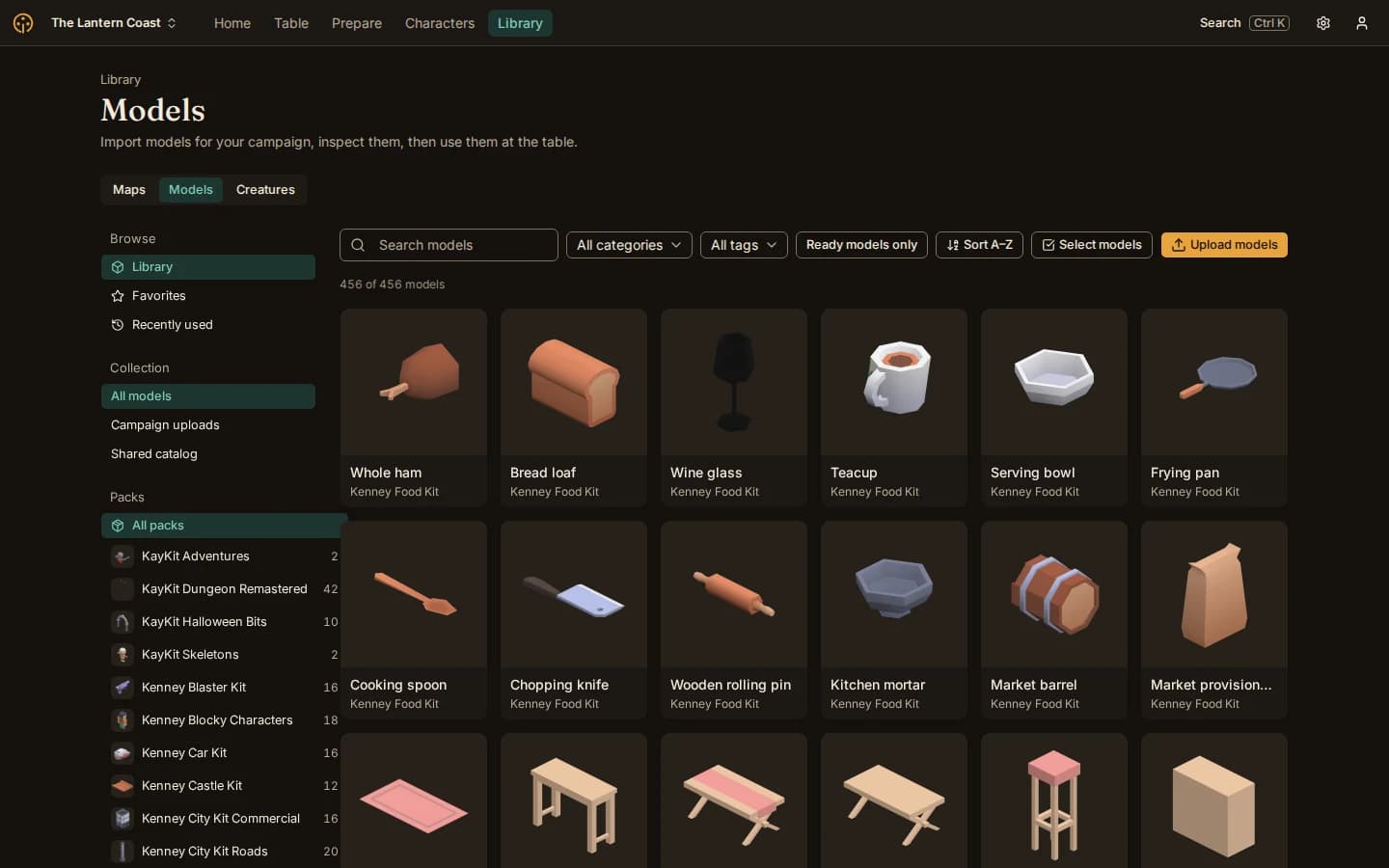
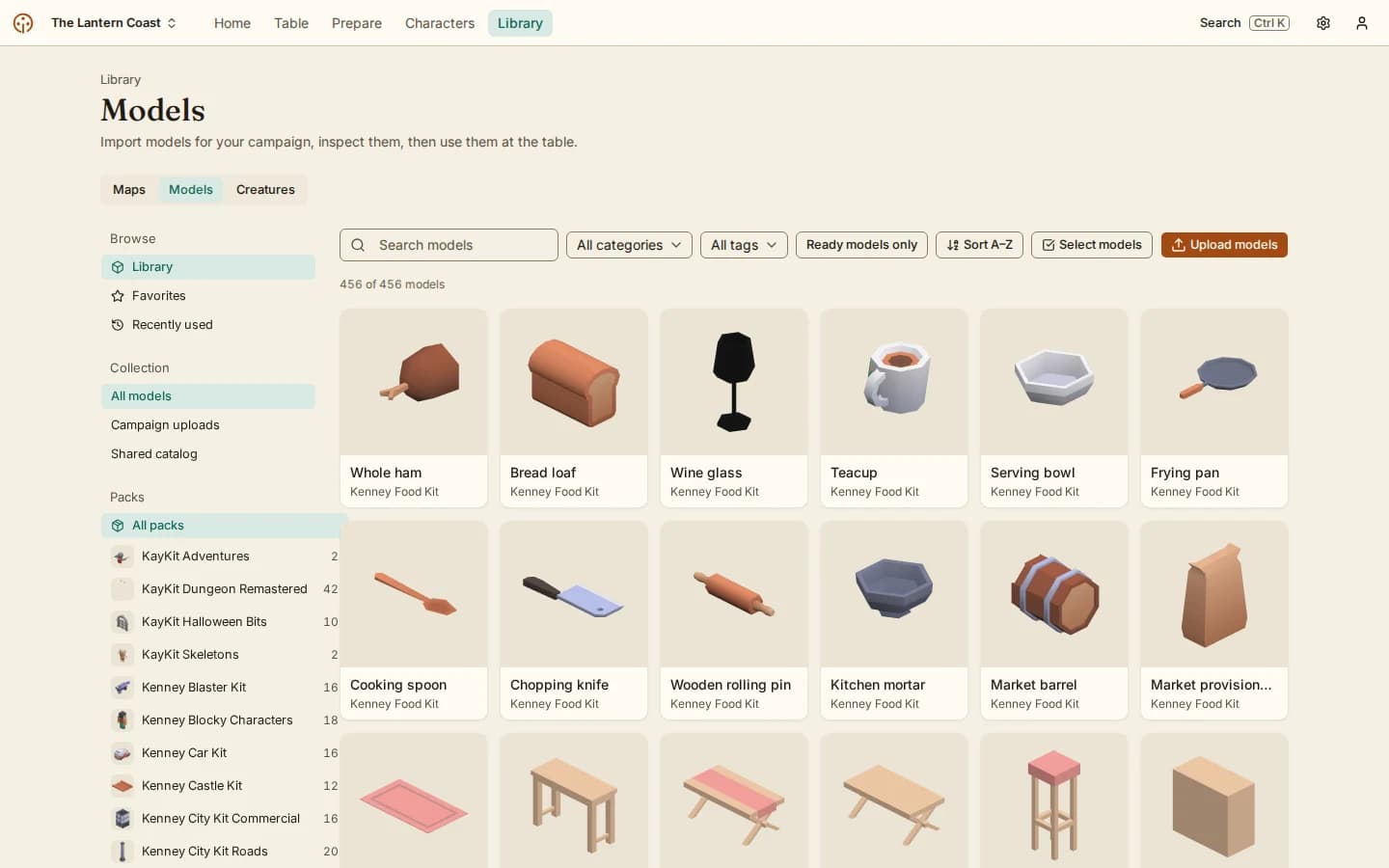
The model library holds the 3D models you use for miniatures and scenery. Upload your own GLB files, browse a shared catalogue of CC0 packs, tag many models at once, keep favourites, and choose one for a token or the scene. Uploading adds a model to the library; it does not place it.
Updated
Upload your own
- Upload single-file GLB models of up to 25 MiB each, with textures embedded. Drop files on the library, or choose Upload models to send several.
- Each upload shows its progress, and a model is checked before it can be used. A model that is not accepted stays in the library, marked Not accepted.
- Game masters can turn off model uploads for players in the table rules.
- If a model cannot load, the flat token stays usable.
Browse the catalogue and your uploads
- The shared catalogue is CC0 and read-only, grouped in packs. Open Pack details and credits for the attribution.
- Switch between All models and Campaign uploads, filter by pack, category or tag, and sort A–Z.
- Favorites keep up to 100 models for quick picking, and Recently used lists what you chose last.
Inspect and name
- Preview a ready model and rotate it, see it from the top or reset the view.
- Rename a model, add up to 12 tags of up to 32 characters, and check its dimensions and source.
- Set a miniature's size from 25% to 300%.
Tag many at once
Choose Select models, tick up to 100 across pages, enter the tags and choose Add tags to selected models. Existing tags are suggested as you type. If the connection drops part way, Retry finishes the rest, and the results list what changed for each model.
Questions
Which model formats can I upload?
GLB, as a single file of up to 25 MiB with textures embedded. Models are static and are not animated.
Who can upload?
Owners and game masters can. Players can too, unless the game master has turned model uploads off.
Are the catalogue models free to use?
Yes. The shared catalogue is CC0, and each pack lists its credits.
Does uploading a model put it on the map?
No. It adds the model to the library, and you choose it for a token or scene when you want it.